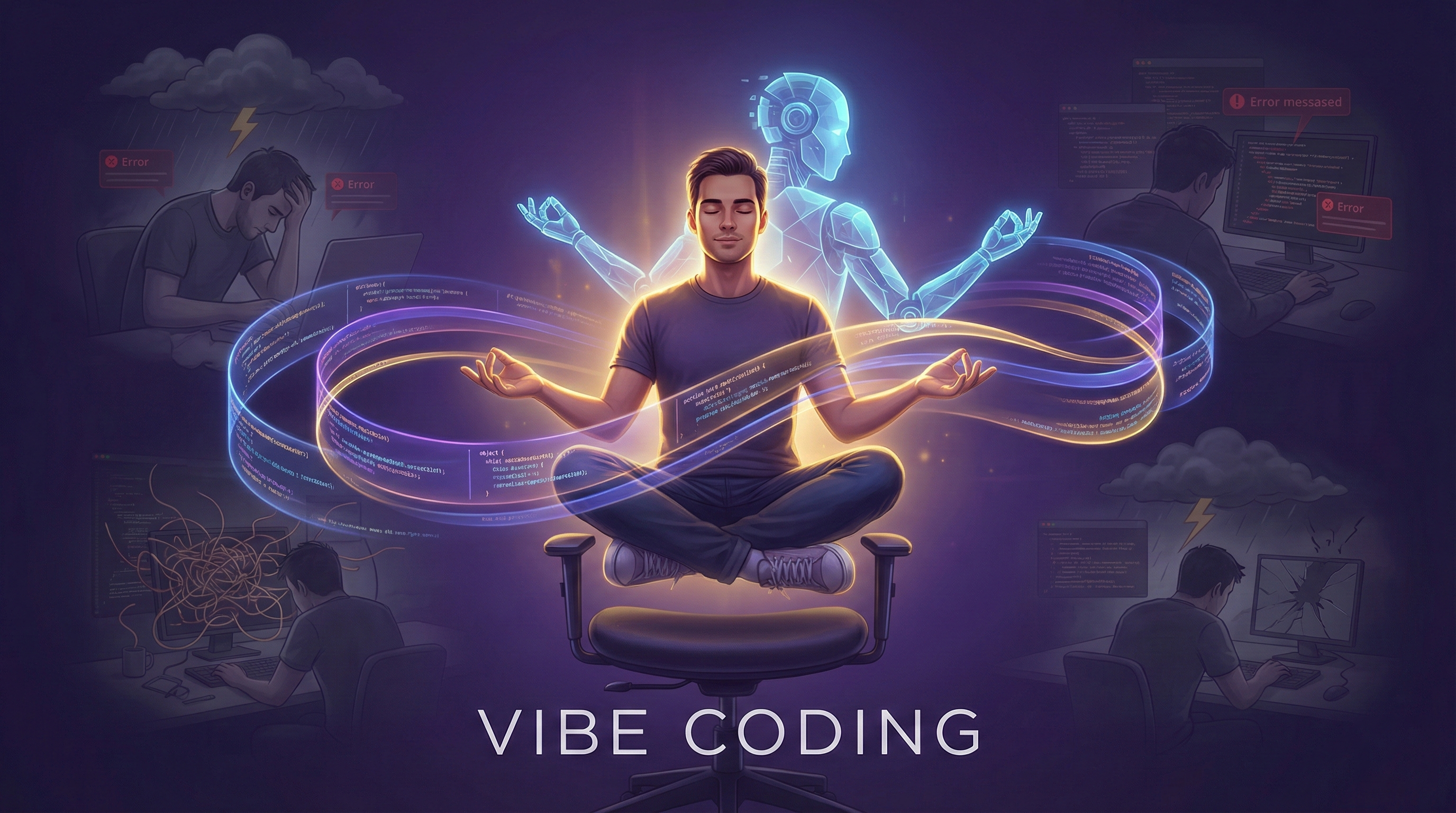
Vibe Coding: The Art of AI-Assisted Development Done Right
Vibe Coding: The Art of AI-Assisted Development Done Right
A comprehensive guide to transcending trial-and-error chaos and becoming the architect of your AI-powered development workflow
1. The Revolution That's Being Wasted
Something remarkable happened in the last few years. We gained access to AI assistants capable of writing code, understanding complex requirements, and helping us build software faster than ever before. This should have been the dawn of a new era in software development—a renaissance where developers could focus on creativity, architecture, and problem-solving while AI handled the mechanical aspects of implementation.
Instead, what I'm witnessing, particularly among students and even experienced developers, is something I've come to call Tide Coding.
And it's painful to watch.
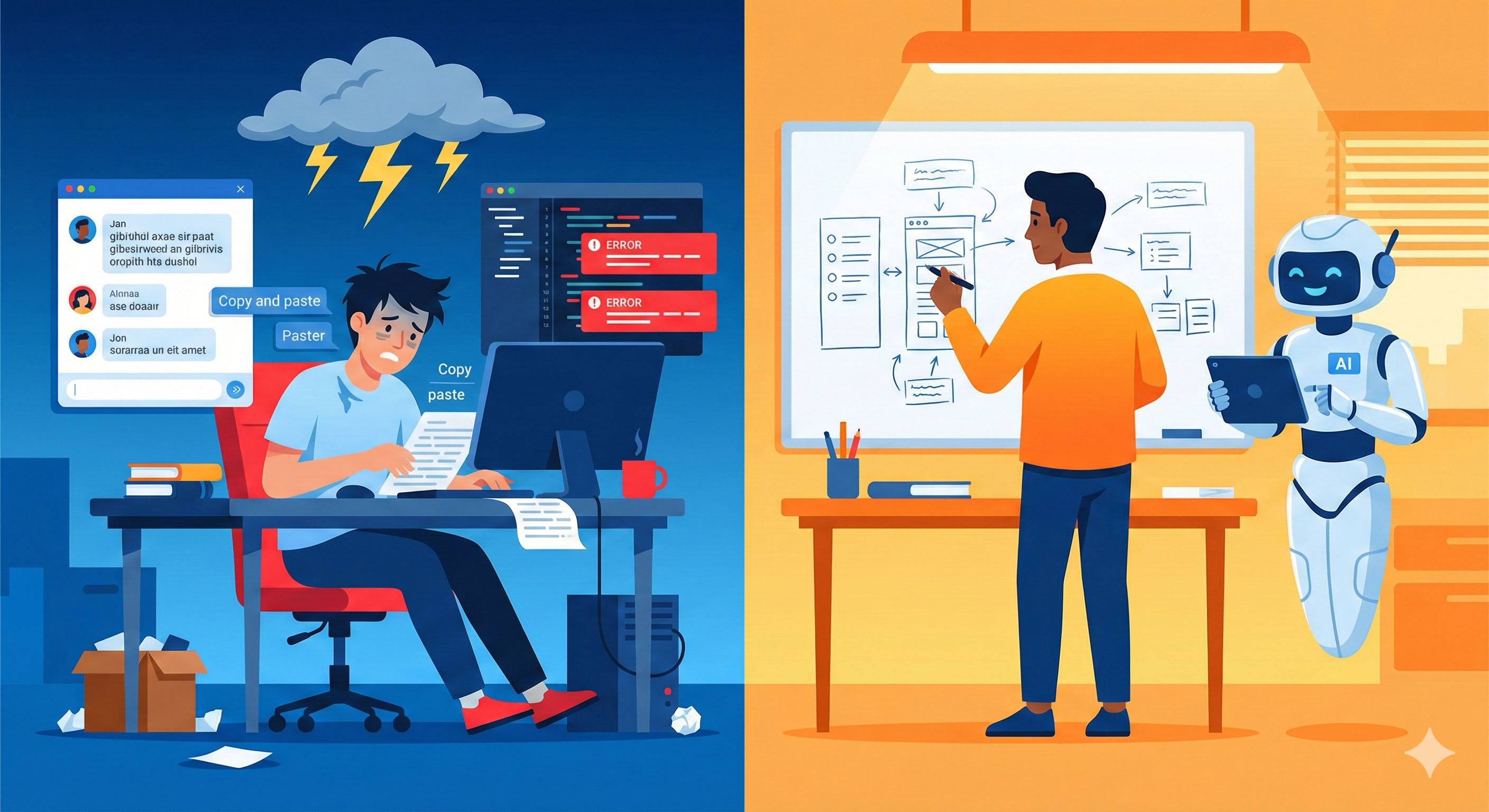
2. Tide Coding: The Trial-and-Error Trap
TIDE stands for Trial-and-Error Coding, and if you've spent any time observing how people interact with AI coding assistants, you've seen it in action.
Here's the typical Tide Coding workflow:
- Developer types a vague two-line description: "Make me a todo app with React"
- AI generates a wall of code
- Developer copies the entire thing, pastes it into their IDE
- Red squiggly lines appear. Errors. Many errors.
- Developer copies the error message, pastes it back to the AI: "Fix this error"
- AI apologizes and generates new code
- Developer pastes the new code
- Different errors appear
- Repeat steps 5-8 for the next three hours
- Developer either gives up or ends up with something that "works" but they don't understand
Sound familiar?
The fundamental problem with Tide Coding isn't that it sometimes produces working code—occasionally it does. The problem is threefold:
First, you learn nothing. You've outsourced not just the typing but the thinking. When something breaks (and it will), you'll have no idea why or how to fix it.
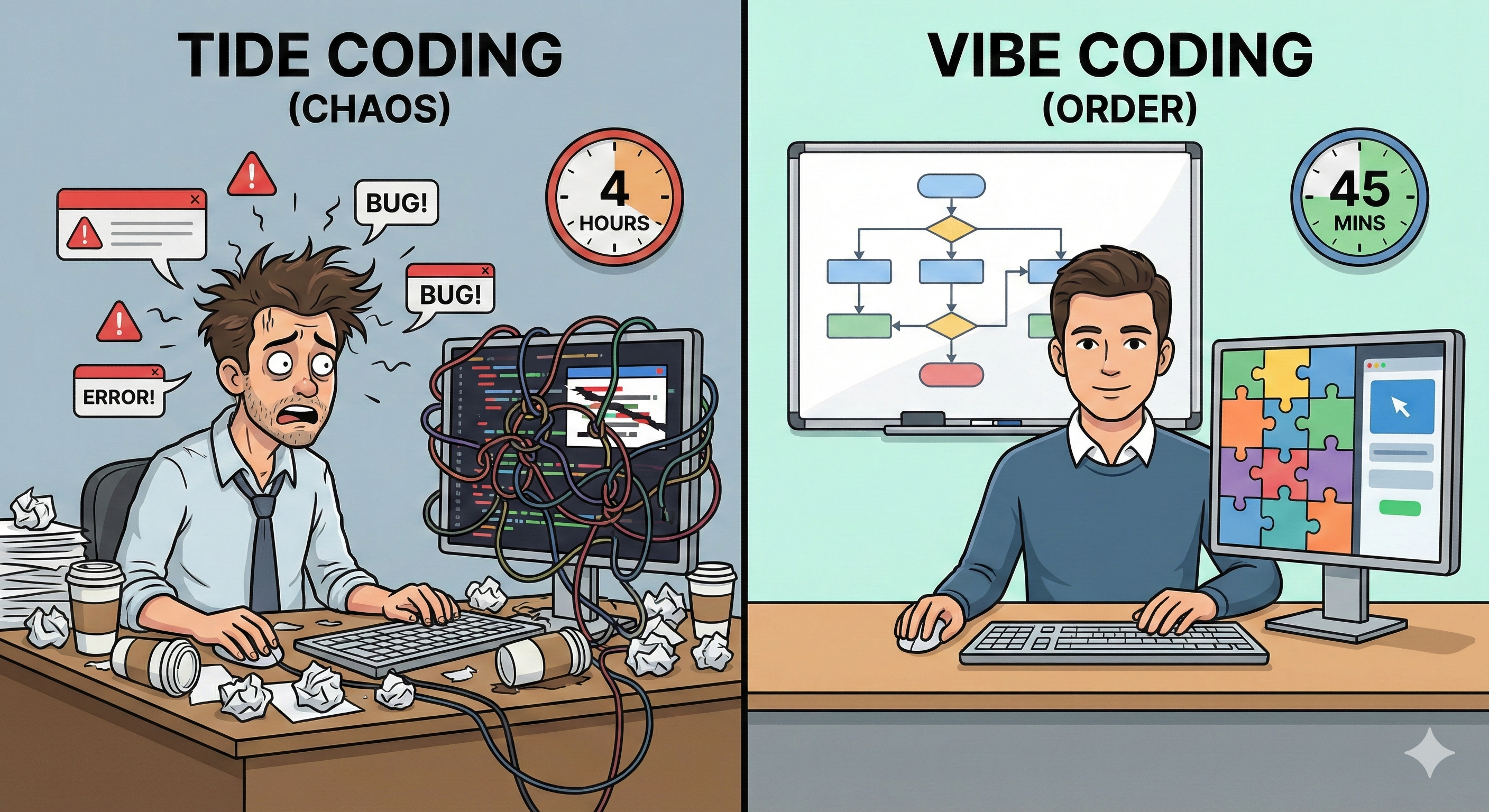
Second, you waste enormous amounts of time. That three-hour error-fixing loop could have been a 45-minute focused session with proper planning.
Third, you treat the AI as something it fundamentally isn't—a mind reader, a magical entity that understands your vision through osmosis.
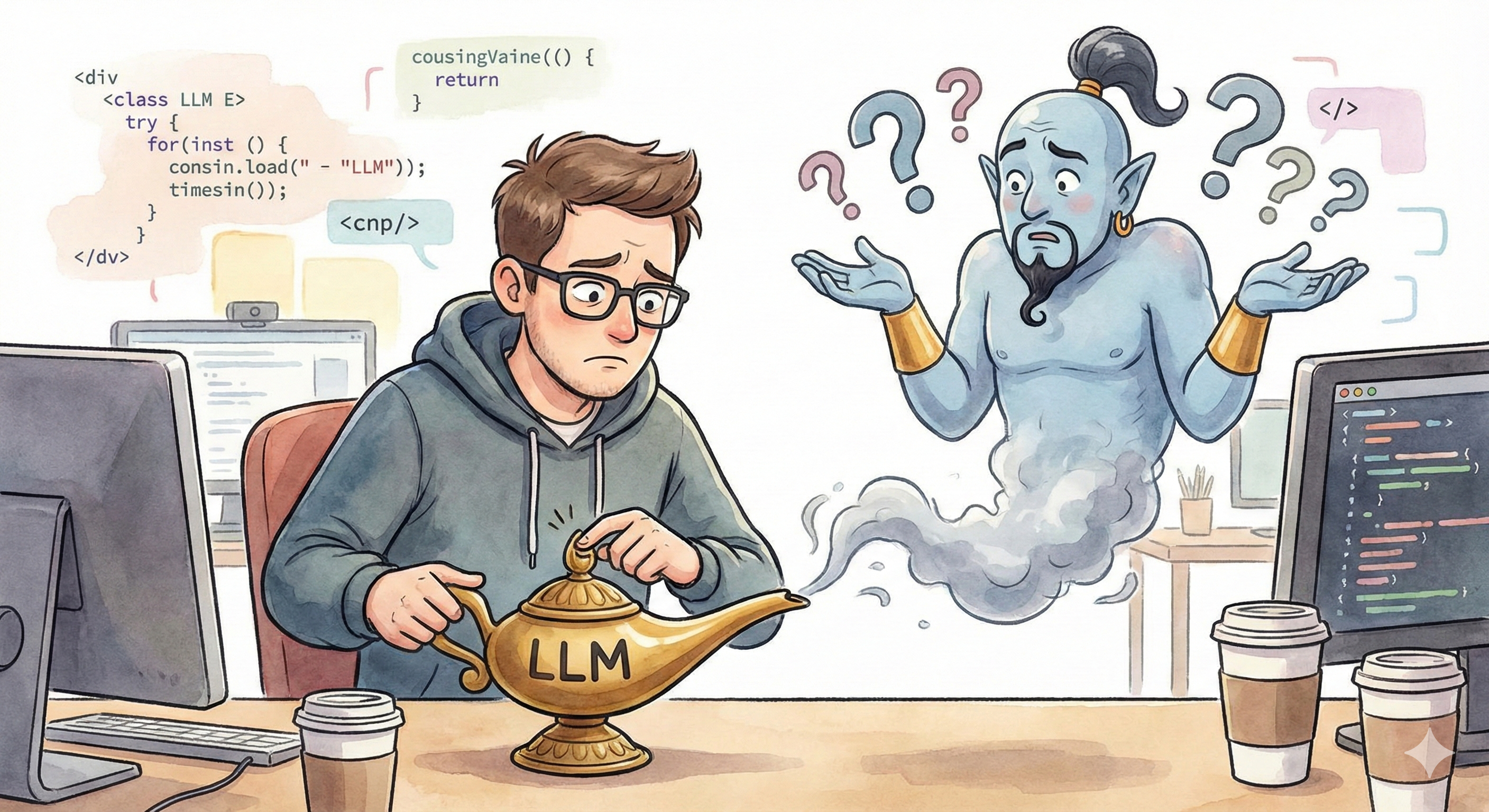
Here's the uncomfortable truth: AI is not magic. AI is not a genie. AI is, at its core, a sophisticated pattern-matching system running mathematical operations—additions and subtractions on vectors representing language.
When you give it vague instructions, it doesn't "figure out what you really meant." It makes probabilistic guesses based on patterns it has seen before. Sometimes those guesses align with your intentions. Often, they don't.
The responsibility for clarity lies entirely with you.
3. Enter Vibe Coding: A Philosophy Shift
True Vibe Coding is not about you vibing while the AI does all the work. That's a fundamental misunderstanding of the term that has led to the chaos I described above.
Real Vibe Coding is about creating a harmonious workflow—a vibe, if you will—where human creativity and AI capability work in concert. You are the architect, the visionary, the mind. The AI is your skilled apprentice, capable of incredible execution but requiring clear direction.
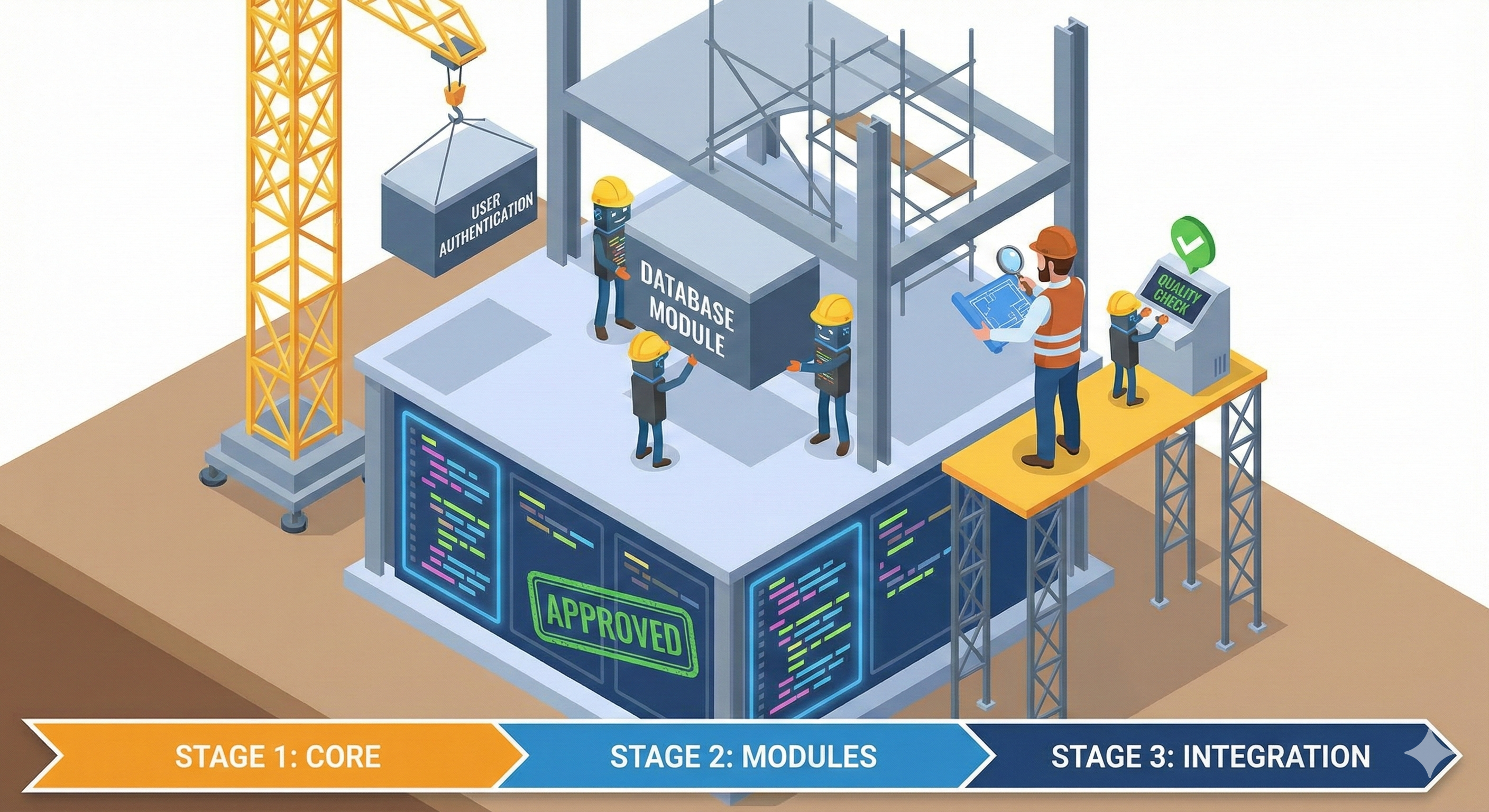
Think of it this way: You wouldn't hire a brilliant contractor to build your house and then hand them a napkin that says "make house, 3 bedrooms, nice." You'd provide blueprints, specifications, material preferences, and you'd have multiple conversations to ensure alignment before a single nail gets hammered.
Why would you treat your AI coding assistant any differently?

4. The Rocket Launch Framework
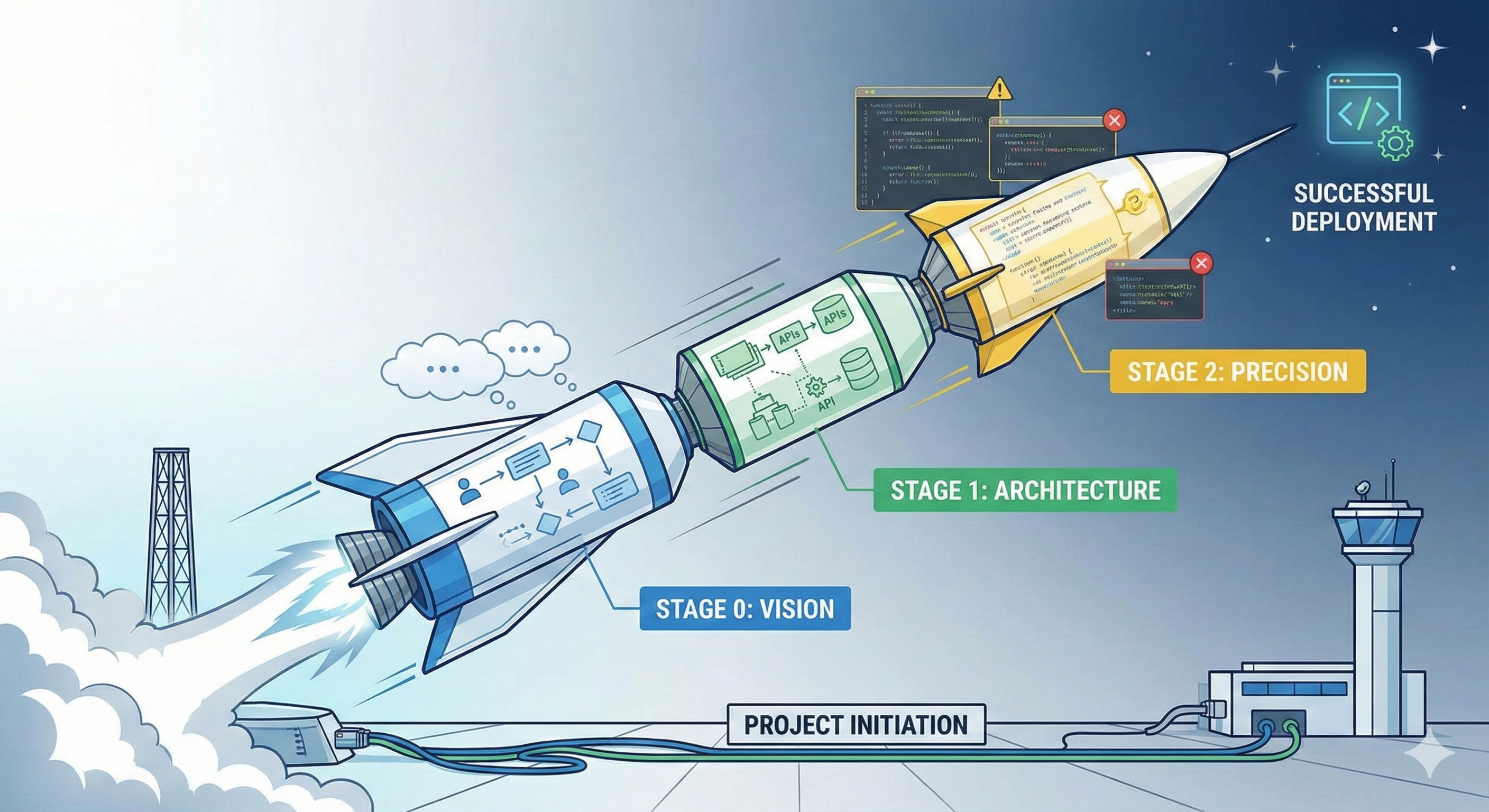
I've developed a methodology for AI-assisted development that I call the Rocket Launch Framework. Just as a rocket requires multiple stages to escape Earth's gravity and reach its destination, your project requires multiple stages of prompting to achieve escape velocity from the Tide Coding trap.
A rocket doesn't fire all its engines at once and hope for the best. Each stage serves a specific purpose, fires at the right time, and sets up the next stage for success.
Your prompts should work the same way.
5. Stage Zero: The Vision Master Prompt
Before you write a single line of code—before you even think about technical implementation—you need to establish what you're building and why.
The Zeroth Stage Master Prompt is entirely non-technical. It's about human experience, user journeys, and the fundamental purpose of your project.
5.1. What Stage Zero Should Contain:
1. The Core Purpose What problem does this solve? Who has this problem? Why does solving it matter?
2. The User Journey Not a user manual telling users what to do, but a narrative describing how a user will naturally interact with your creation. What's their first impression? What actions will they take? How will they feel?
3. The Success Criteria How will you know when this project is "done"? What does success look like from the user's perspective?
5.2. Stage Zero Example: Task Management Application
Here's what a proper Zeroth Stage prompt looks like:
"I want to build a task management application for freelance designers who struggle with managing multiple client projects simultaneously.
The core problem: Freelance designers often juggle 5-10 clients at once, each with different deadlines, feedback cycles, and communication preferences. Existing tools like Trello or Asana are too generic—they don't understand the specific workflow of design projects (concept → draft → revision → final → delivery).
Here's how a user named Sarah, a freelance UI designer, would experience this application:
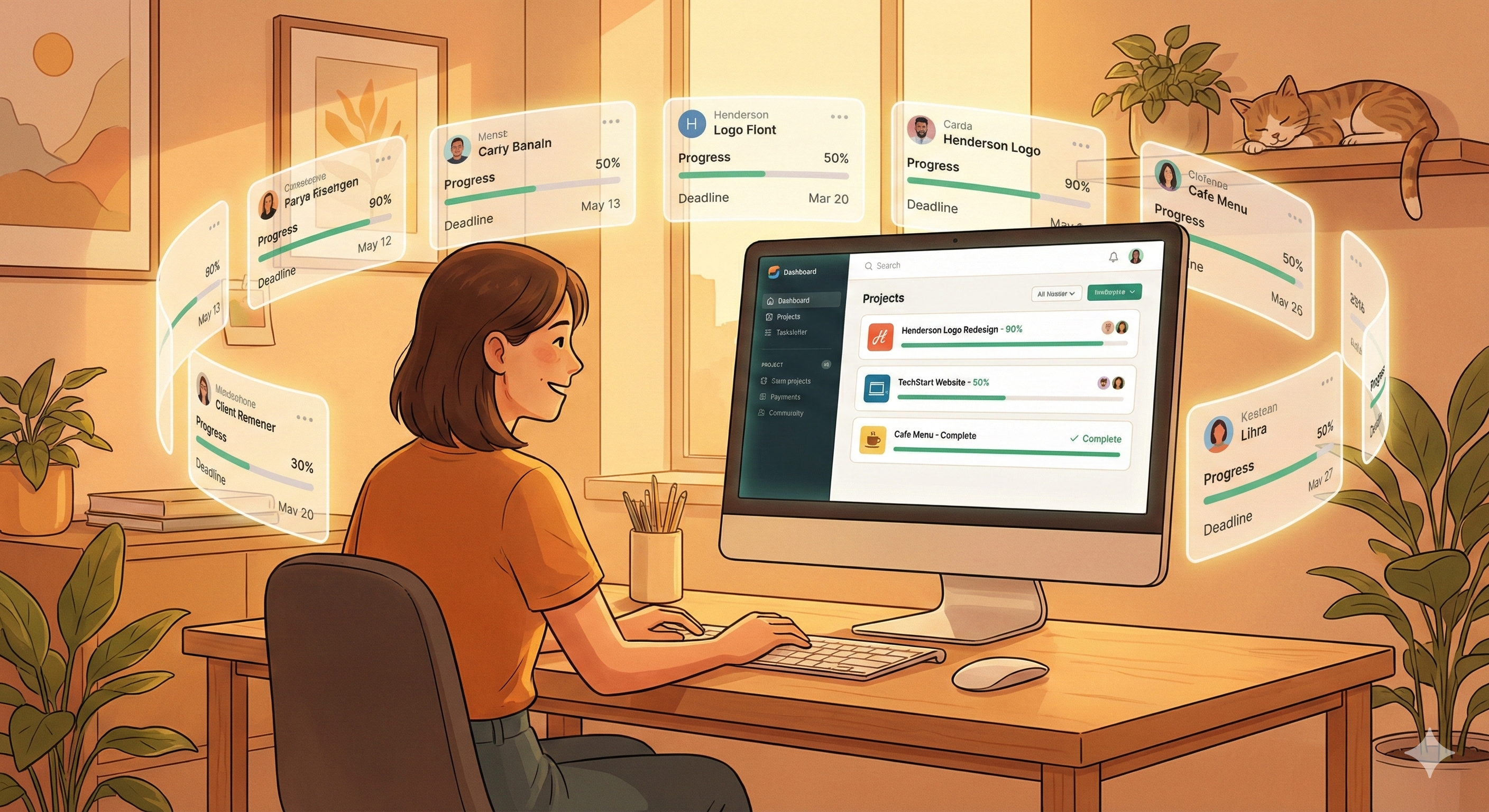
Sarah opens the app on Monday morning. She immediately sees a dashboard showing her most urgent items—not just by date, but intelligently weighted by client importance, deadline proximity, and how long items have been waiting for her action. She notices that the 'Henderson Logo Redesign' is flagged as critical—not because it's due soon, but because the client has been waiting for her revision for 4 days.
She clicks into the Henderson project. She sees the full timeline: initial brief, her concept submissions, client feedback (automatically pulled from email), her revision, and the current status. She can see exactly where things stand without digging through email threads.
She completes the revision, marks it done, and the system automatically suggests she send a follow-up to the client. One click sends a professional update email.
By the end of the week, Sarah has visibility into all her projects, hasn't dropped any balls, and feels in control rather than overwhelmed.
Success looks like: A freelance designer opening this app daily because it genuinely makes their work life easier, not because they feel obligated to update yet another tool."
Notice what's absent from this prompt: No mention of React or Vue. No database discussions. No API specifications. Pure human experience.
6. Stage One: The Architecture Master Prompt
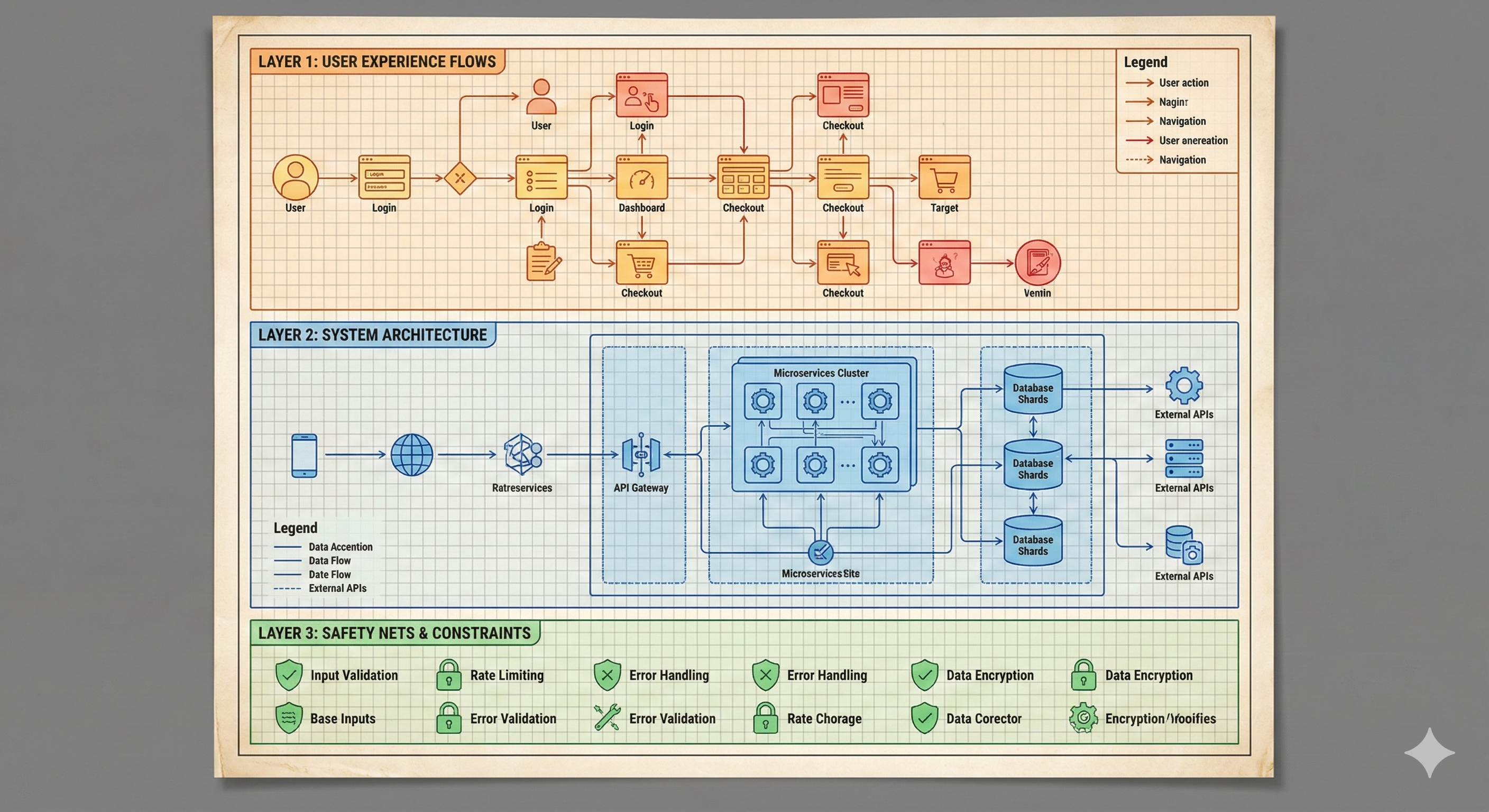
Once you've established the vision, Stage One is where you begin translating that vision into technical reality. This is where you discuss implementation, but still at a high level.
6.1. What Stage One Should Contain:
1. Technical Context What's your expertise level? What technologies are you comfortable with or required to use? What constraints exist (deployment environment, budget, timeline)?
2. Input/Output Specifications What data comes into the system? What outputs should it produce? In what formats?
3. Project Structure Vision How do you envision the codebase being organized? Monolith or microservices? What are the major components?
4. Integration Requirements What external services or APIs will this need to work with?
5. Documentation Expectations What documentation should be produced alongside the code?
6.2. Stage One Example: Continuing the Task Management App
"Building on the vision above, here's the technical context:
My expertise: I'm comfortable with JavaScript/TypeScript and have basic familiarity with React. I've built simple CRUD applications before but haven't worked with complex state management or real-time features.
Deployment: This will be deployed on Vercel (frontend) and Railway (backend). Budget is minimal—I need to work within free tiers initially.
Technical decisions I've made:
- Web application (responsive, works on mobile browsers—no native app for now)
- Email integration is essential (read-only, pulling client emails into project timelines)
- Data should be exportable (clients sometimes ask for project summaries)
Inputs the system will receive:
- User-entered project information
- Email data via OAuth connection to Gmail/Outlook
- Optional: Calendar data for deadline awareness
Outputs the system should produce:
- Dashboard views (urgent items, by-client, by-deadline)
- Individual project timelines
- Exportable PDF project summaries
- Automated email drafts for client updates
Project structure: I envision this as a standard frontend/backend split. The frontend handles all UI/UX, the backend manages data persistence, email integration, and any processing.
Documentation needed:
- README with setup instructions
- API documentation for the backend
- Component documentation for major UI elements
- A brief architecture decision record explaining key choices"
6.3. Stage Two: The Precision Master Prompt
Stage Two is where you anticipate problems before they occur. This is the stage most Tide Coders skip entirely—and it's why they end up in error loops.
6.4. What Stage Two Should Contain:
1. Edge Cases What unusual situations might occur? What happens when things go wrong?
2. Constraints and Limitations What must absolutely not happen? What are hard limits?
3. Error Handling Philosophy How should the system respond to failures? What should users see?
4. Security Considerations What needs protection? What are the authentication/authorization requirements?
5. Performance Expectations What response times are acceptable? How many users should this support?
6.5. Stage Two Example: Continuing the Task Management App
"Let's address edge cases and constraints:
Edge Cases to Handle:
- What if email OAuth connection fails or expires? System should gracefully degrade—show a clear 'reconnect email' prompt, but all other features remain functional.
- What if a user has zero projects? First-time user experience should guide them through creating their first project, not show an empty void.
- What if a client project has no email correspondence? Timeline should still work, just without email entries.
- What if the same email thread is relevant to multiple projects? Allow manual linking of emails to projects.
Hard Constraints:
- Never auto-send emails without explicit user confirmation. Always preview first.
- Never delete project data without a confirmation step and a 30-day soft-delete recovery period.
- All client names and project details must be encrypted at rest.
- Session timeout after 24 hours of inactivity.
Error Handling:
- API errors should show user-friendly messages, not technical stack traces.
- Failed operations should be retryable where possible.
- All errors should be logged with sufficient context for debugging.
Security:
- OAuth tokens must be stored securely, never in localStorage.
- Rate limiting on all API endpoints.
- Input sanitization to prevent XSS/injection attacks.
Performance:
- Dashboard should load in under 2 seconds on a standard connection.
- Support up to 100 projects per user without degradation.
- Email sync can be background/async—doesn't need to be instant."
7. Choosing Your AI Partner
As of January 2026, the landscape of AI coding assistants is rich and varied. Your choice of tool matters, but perhaps not in the way you think.
7.1. Standalone LLMs vs. IDE-Integrated AI
I recommend a two-tier approach:
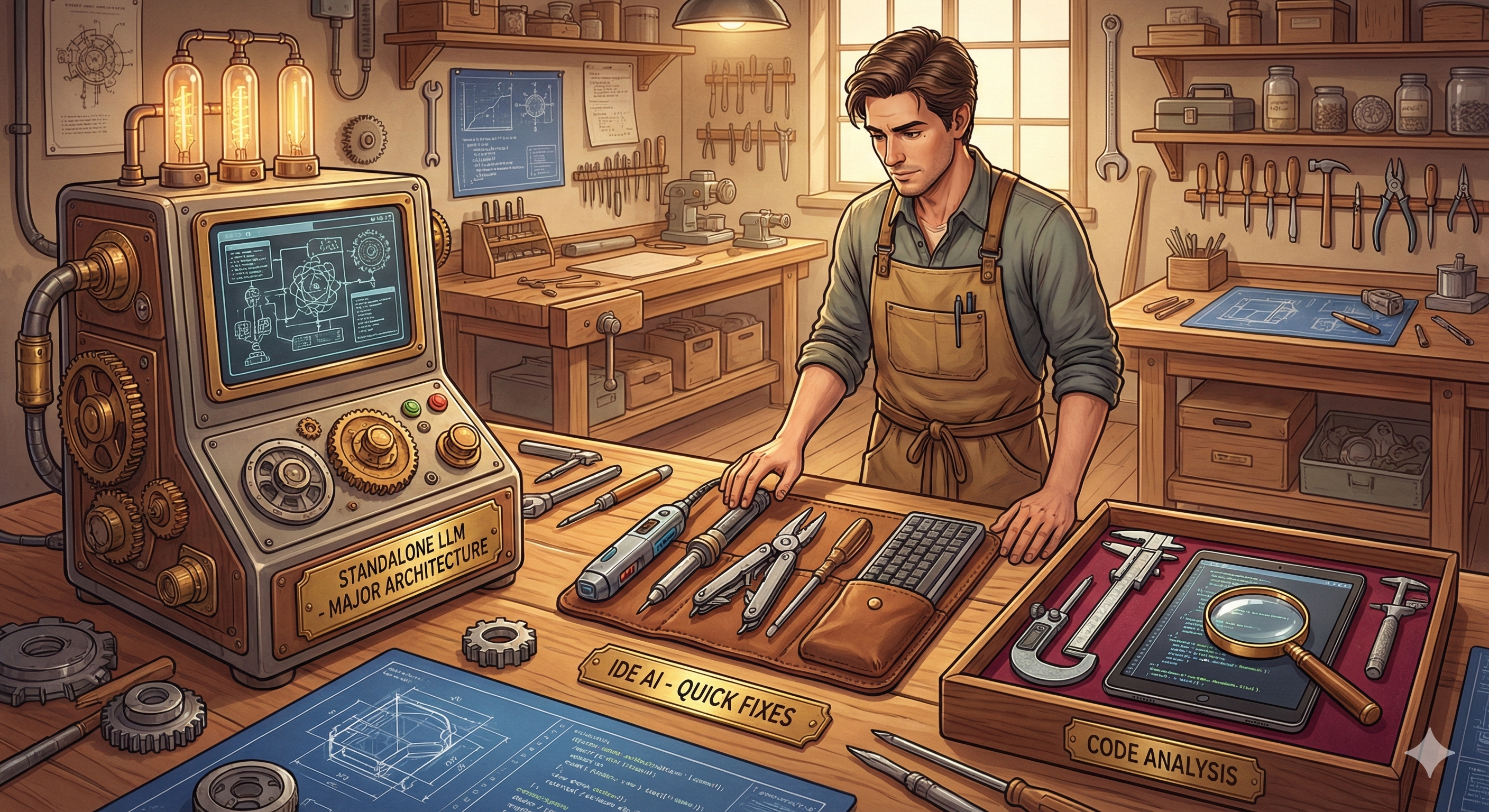
For Major Development Work (Creating new features, architecture decisions, complex implementations): Use a standalone LLM through its web interface or API. These models typically have larger context windows and more thoughtful response patterns. You want the AI's full attention for complex work.
Current strong performers include the Claude model family (with Opus 4.5 and Sonnet 4.5 showing particular strength in code understanding), along with competitive offerings from other major providers. Benchmarks shift constantly, so rather than marry yourself to one model, develop the skill of evaluating which model handles your specific type of project best.
For Minor Corrections and Real-Time Assistance: IDE-integrated tools like Cursor, Windsurf, GitHub Copilot, or similar provide excellent in-context help. They're perfect for:
- Autocompleting boilerplate
- Quick syntax lookups
- Small refactors
- Catching obvious errors as you type
The key insight: Use the right tool for the right job. Don't ask your IDE autocomplete to architect your entire system. Don't use a powerful standalone model just to add a missing semicolon.
8. The Critical Step Everyone Skips: The Clarification Dialogue
Here's where true Vibe Coding diverges most dramatically from Tide Coding.
After you've provided your Master Prompts (Stages Zero through Two), do not immediately ask for code.
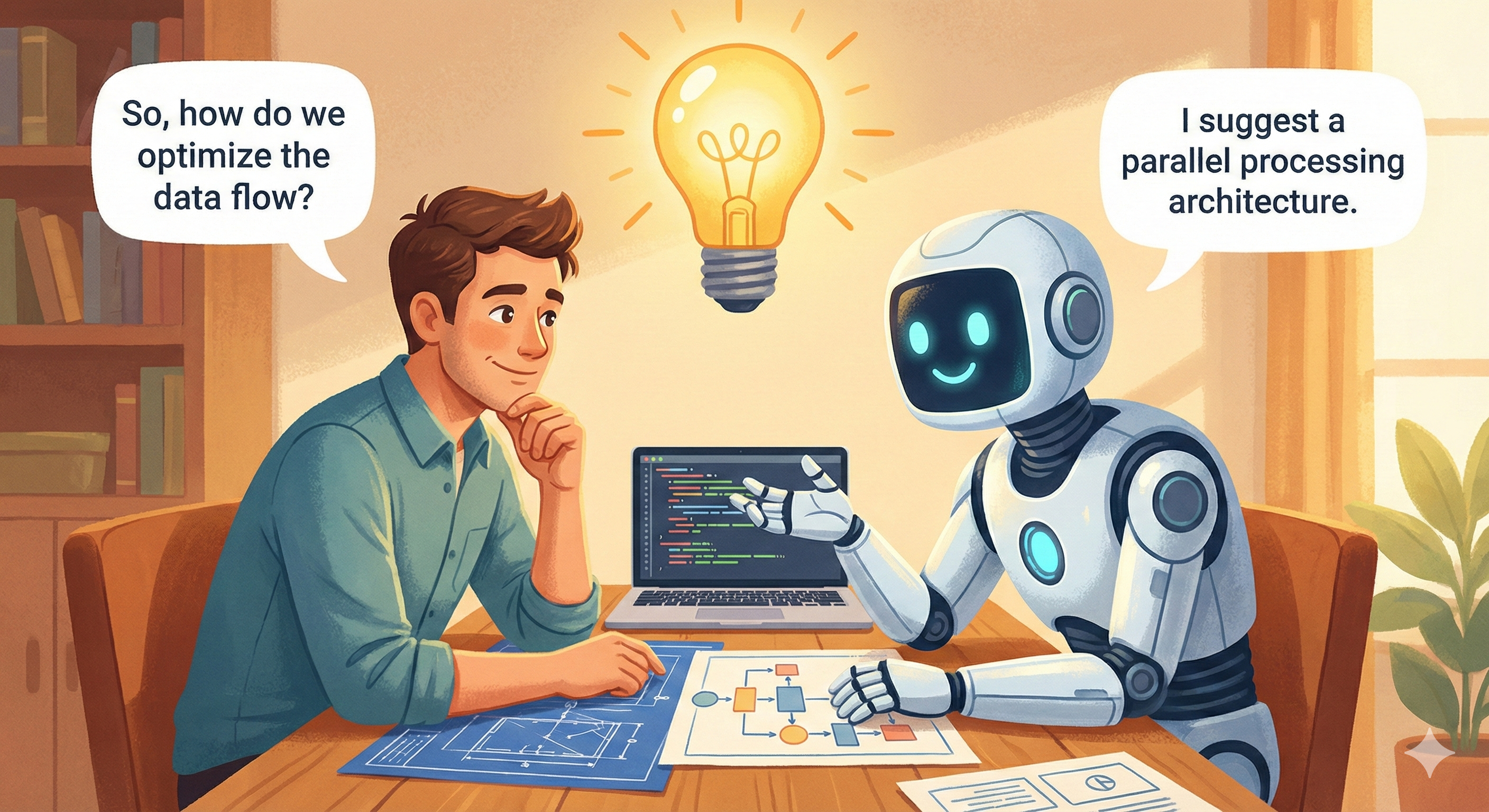
Instead, initiate a clarification dialogue. Say something like:
"Before we proceed to implementation, I want to make sure we're aligned. Please summarize your understanding of this project and ask me any clarifying questions you have. I'd rather address ambiguities now than debug misunderstandings later."
This single step will save you hours of frustration.
A good AI assistant will come back with questions like:
- "For the email integration, should the system only read emails, or should it also be able to mark them as read/categorize them?"
- "You mentioned weighted urgency—what specific factors should influence the weight, and should these be user-configurable?"
- "For the PDF export, should this be a detailed report or a summary overview? Should it include the email correspondence?"
These questions reveal gaps in your specification you didn't know existed. Answer them thoroughly. Go back and forth until the AI confirms clear understanding.
9. Incremental Generation: Building in Stages
Once alignment is confirmed, resist the urge to say "Now generate everything."
Context limits exist. Complex projects overwhelm single-generation attempts. And even if the AI could generate a complete application in one shot, you'd have no understanding of how the pieces fit together.
Instead, proceed incrementally:
9.1. Step 1: Tech Stack Confirmation
"Based on our discussion, what tech stack do you recommend? Please explain your reasoning for each choice."
Review the recommendations. Push back if something doesn't feel right. Iterate until you're satisfied. This is YOUR project—you should understand and agree with every technical choice.
9.2. Step 2: Project Structure
"Generate the project structure first—just the folder and file organization, with brief descriptions of what each file will contain. Also create a comprehensive README.md."
Review the structure. Does it make sense? Does the organization match your mental model?
9.3. Step 3: Folder-by-Folder Generation
"Let's start with the backend API. Generate the files in the /api folder first, with full implementation. We'll test this before moving on."
Actually test what's generated. Get it working. Then proceed:
"That's working. Now let's move to the /components folder..."
9.4. Step 4: Integration and Polish
"All individual pieces are working. Now let's wire them together. What integration work is needed?"
9.5. Step 5: Setup Instructions
"Generate a detailed setup guide for someone cloning this project fresh. Include all environment variables, dependencies, and first-run instructions."
10. Side-by-Side: Tide Coding vs. Vibe Coding
Let's make this concrete with a comparative example. Imagine we're building a simple weather dashboard application.
10.1. The Tide Coding Approach
User Prompt: "Make me a weather app with React"
AI Response: [Generates 300 lines of React code with OpenWeatherMap API integration]
User Action: Copies all code into a new file.
Result:
Error: Cannot read property 'main' of undefined
Error: API key is missing
Warning: Each child in a list should have a unique "key" prop
User: "Fix these errors"
AI: "I apologize for the confusion..." [Generates modified code]
User: Pastes new code.
Result:
Error: 'useState' is not defined
Error: Failed to fetch
User: "Still not working"
AI: [Generates yet another version]
[Three hours and 47 error messages later...]
The app finally runs, but:
- The user doesn't understand how the API integration works
- The code structure is a mess of band-aid fixes
- There's no error handling for API failures
- The UI is whatever the AI's default styling happened to be
- When the client asks for "just a small change," it breaks everything
10.2. The Vibe Coding Approach
Stage Zero Prompt: "I want to build a weather dashboard for people planning outdoor events.
The core problem: Event planners need to check weather forecasts for specific venues on specific dates, but current weather apps don't let you easily track multiple locations and dates simultaneously.
User experience: Maria is planning three outdoor weddings over the next month. She opens the dashboard and sees her saved locations: Riverside Gardens (Saturday), Hilltop Vineyard (next Sunday), and Beach Resort (in 3 weeks). Each shows a quick forecast summary with color-coded weather quality (green = excellent, yellow = caution, red = concerning). She taps on Riverside Gardens and sees an hourly breakdown for the event day, with specific alerts for conditions that matter for outdoor events: rain probability, wind speed, and UV index.
Success: Event planners checking this app weekly because it surfaces weather concerns they'd otherwise miss."
Stage One Prompt: "Technical context: I'm comfortable with React and TypeScript. I'll deploy on Vercel. Need to work within free API limits (OpenWeatherMap free tier: 1000 calls/day).
Input: User-saved locations (name, coordinates, event date) Output: Dashboard view, detailed location view, email alerts for concerning changes
Structure: Single-page app with component-based architecture. State management via React Context (no Redux needed for this scale).
Documentation: README with setup, component storybook for UI elements."
Stage Two Prompt: "Edge cases:
- API rate limit reached: Cache aggressively, show 'last updated' timestamp, degrade gracefully
- Location not found: Clear error with suggestion to check spelling
- Event date more than 14 days out: Show 'extended forecast unavailable' but still track the location
Constraints:
- Never exceed 100 API calls per user session
- Cache forecasts for 30 minutes minimum
- All locations must be saved to localStorage with user confirmation
Performance: Dashboard loads in under 1.5 seconds with 5 saved locations."
Clarification Dialogue: AI: "Before I proceed, a few questions:
- For the color-coded weather quality—what specific thresholds define green/yellow/red?
- Should users be able to share location cards with others?
- For the email alerts, should this be a backend service or client-side?"
User: "Good questions. Green = less than 20% rain chance, wind under 15mph, UV moderate or below. Yellow = 20-50% rain, 15-25mph wind, or high UV. Red = above those. No sharing feature for now—keep it simple. Alerts should be client-side using browser notifications, not email."
Incremental Generation:
- First: Project structure and README
- Second: Type definitions and data models
- Third: API service layer with caching
- Fourth: Context providers and state management
- Fifth: Individual components (LocationCard, Dashboard, DetailView)
- Sixth: Styling and responsive design
- Seventh: Integration and testing instructions
Final Result:
- Working application in 90 minutes
- User understands every component
- Clean, maintainable code structure
- Proper error handling throughout
- Easy to extend with new features
11. Practical Template: Your Vibe Coding Checklist
Use this checklist for every project:
11.1. Before Touching an AI
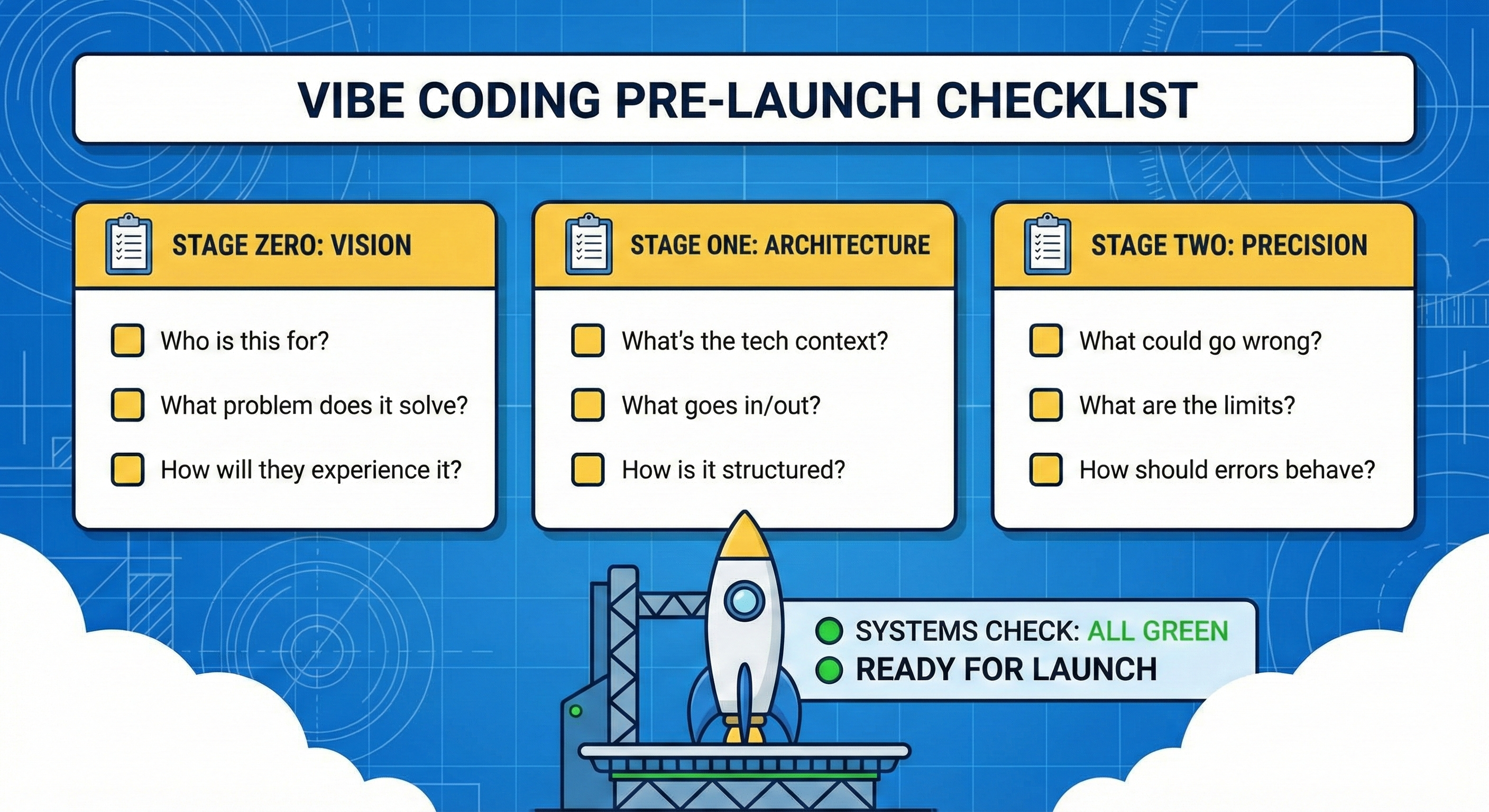
- Write Stage Zero (Vision): Who is this for? What problem does it solve? How will they experience it?
- Write Stage One (Architecture): What's the tech context? What goes in/out? How is it structured?
- Write Stage Two (Precision): What could go wrong? What are the limits? How should errors behave?
11.2. With the AI
- Provide all three stages
- Request clarifying questions
- Answer all questions thoroughly
- Iterate until mutual understanding is confirmed
- Request tech stack with justifications
- Request project structure and README first
- Generate code incrementally (folder by folder)
- Test each increment before proceeding
- Request integration guidance
- Request setup documentation
11.3. After Generation
- Read and understand every file
- Run all suggested tests
- Make one small intentional change to verify understanding
- Document any modifications you made
12. Common Objections (And Why They Don't Hold Up)
"This seems like a lot of work. I just want quick code."
The three-stage prompting takes about 20-30 minutes for a medium project. Tide Coding's error loops take 3-4 hours minimum. You decide which is "more work."
"I don't know enough to write detailed specs."
Then you don't know enough to build the project—with or without AI. The prompting process forces you to think through what you're building. This is a feature, not a bug.
"The AI should figure this stuff out."
The AI is running mathematical operations on text patterns. It has no understanding of your specific needs, context, or constraints. Every assumption it makes is a guess. Reduce guessing by being explicit.
"But I've seen people get working code with one-line prompts."
For trivial tasks, yes. "Make a button that counts clicks" doesn't need a Master Prompt. But anything with real complexity—multiple components, external integrations, user authentication, data persistence—benefits enormously from proper specification.
13. A Note on Learning vs. Building
There's a distinction between using AI to learn and using AI to build.
When Learning: Ask the AI to explain concepts step by step. Request code examples with detailed comments. Ask "why" questions. Have it generate exercises for you to solve manually. Then check your solutions.
When Building: Use the Rocket Framework. Be precise. Generate incrementally. Understand what you ship.
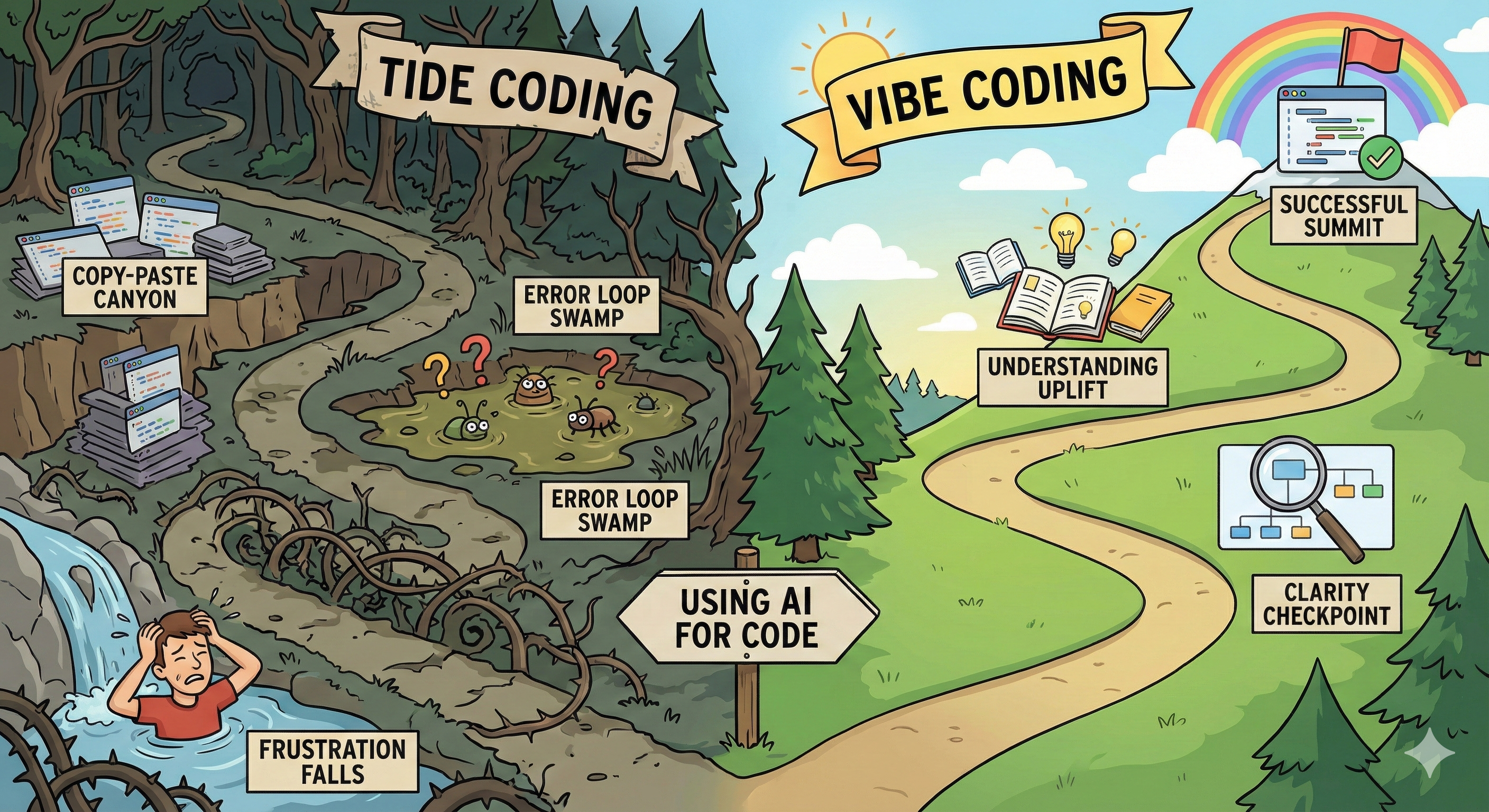
The tragedy of Tide Coding is that it serves neither purpose. You don't learn because you're just copying and pasting. You don't build effectively because you're constantly debugging instead of progressing.
Vibe Coding serves both. The clarification process deepens your understanding. The incremental generation lets you learn each piece before moving to the next. And you end up with working software that you actually understand.
14. Final Thoughts: The Human Remains Essential
AI coding assistants are extraordinary tools. They can generate code at unprecedented speed, explain complex concepts, suggest optimizations, and help you explore technical possibilities you might never have considered.
But they are tools. Sophisticated, capable, remarkable tools—but tools nonetheless.
The vision must come from you. The understanding must come from you. The responsibility for what you build remains yours.
Vibe Coding is about establishing a productive relationship between human creativity and AI capability. You set the direction. You define success. You ensure quality. The AI accelerates your execution.
When this relationship works well, it's genuinely transformative. You can build in days what once took weeks. You can explore ideas without getting bogged down in boilerplate. You can focus on what makes your project unique while letting AI handle the routine.
But this only works when you show up as the architect, not the spectator.
Stop Tide Coding. Start Vibe Coding. Your future self—debugging code at 2 AM—will thank you.

Happy building, and may your prompts be ever precise.